Winning the War on Flaky Tests with Cypress : A Deep Dive Into cy.intercept and Network Stubbing
Learn how to eliminate flaky tests in Cypress by mastering cy.intercept for network stubbing. This guide explores deterministic testing strategies to handle unstable APIs and timing issues in modern web applications.
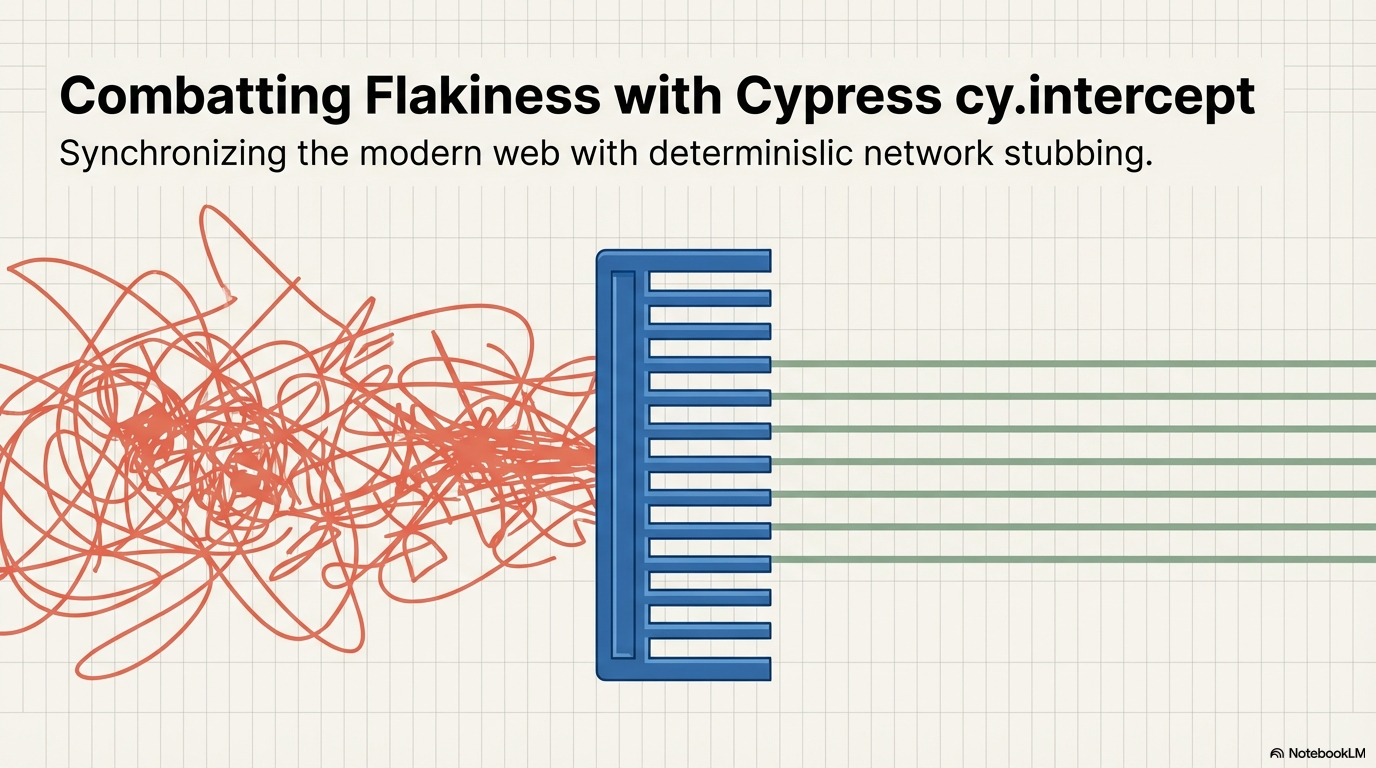
Flaky tests are the silent killers of productivity in automated testing, producing inconsistent pass/fail results despite no changes to the codebase or environment. These unreliable results undermine developer confidence and mask real bugs. In Cypress, flakiness often stems from timing sensitivities, unhandled asynchronous behavior, or unstable element selectors. To combat this, the cy.intercept command offers a powerful defense by providing total control over the network layer.
The Evolution of Network Control : cy.intercept
Introduced in Cypress 6.0, cy.intercept is the next-generation successor to the older cy.route and cy.server commands. Unlike its predecessors, it does not require cy.server and offers out-of-the-box support for fetch calls, page loads, and resource loads, in addition to standard XMLHttpRequests (XHR). This versatility allows you to intercept and modify any network request your application makes, which is crucial for building a resilient testing suite.
Strategies for Stability : Stubbing vs. Server Responses
When handling network requests, you generally have two choices : letting them hit the real server or "stubbing" them with mock data.
- Stubbed Responses : This strategy is extremely fast, with response times typically under 20ms. It allows you to control the body, status code, and headers without needing any backend changes or complex database seeding. This is the preferred method for the vast majority of tests as it provides a predictable environment.
- Real Server Responses : While slower and more difficult to set up, real responses ensure that the contract between the client and server is functioning correctly. These are best reserved for "happy path" testing of critical application features.
Mastering Synchronization with cy.wait()
One of the most effective ways to eliminate flakiness is through Network Synchronization. Instead of using hard-coded cy.wait(5000) commands-which are unreliable because load times vary-Cypress allows you to wait for specific intercepted requests.
The cy.wait("@alias") command utilizes a dual-layered waiting mechanism :
- Phase 1: It waits for the browser to initiate a matching request
- Phase 2: It waits for the server to provide a response
This ensures your test actions only proceed once the necessary data has arrived, significantly increasing test reliability.
Advanced Challenges : GraphQL and Multiple Requests
- Handling GraphQL : Since all GraphQL requests typically go to the same endpoint (e.g. /graphql), you cannot differentiate them by URL alone. To solve this, you can use a callback function within cy.intercept to inspect the operationName in the request body and apply the appropriate mock response.
- Multiple Identical Calls : If an action triggers the same API call multiple times, you can use the times property in cy.intercept to limit how many times a particular intercept is active. Alternatively, you can wait on the same alias multiple times to verify each sequential occurrence.
Debugging Flaky Tests in CI
When tests fail only in Continuous Integration (CI) environments, gathering debug data is vital.
- cy.log : Annotates tests with data that appears in videos or screenshots.
- cy.task : Pushes debug information directly to the standard output (stdout) of your CI logs.
- Plugins : Tools like the Cypress Terminal Report plugin can output all intercepted requests and console errors directly to the CLI for easier troubleshooting.
By leveraging cy.intercept and adopting intelligent network synchronization, you can transform flaky, unreliable tests into a stable and trustworthy automation suite.