Driver and Resource Management in Playwright Java: Try-With-Resources and AutoCloseable
Learn how to manage browser resources in Playwright Java using try-with-resources and AutoCloseable. Explore automatic cleanup, exception handling, and best practices for reliable test automation.
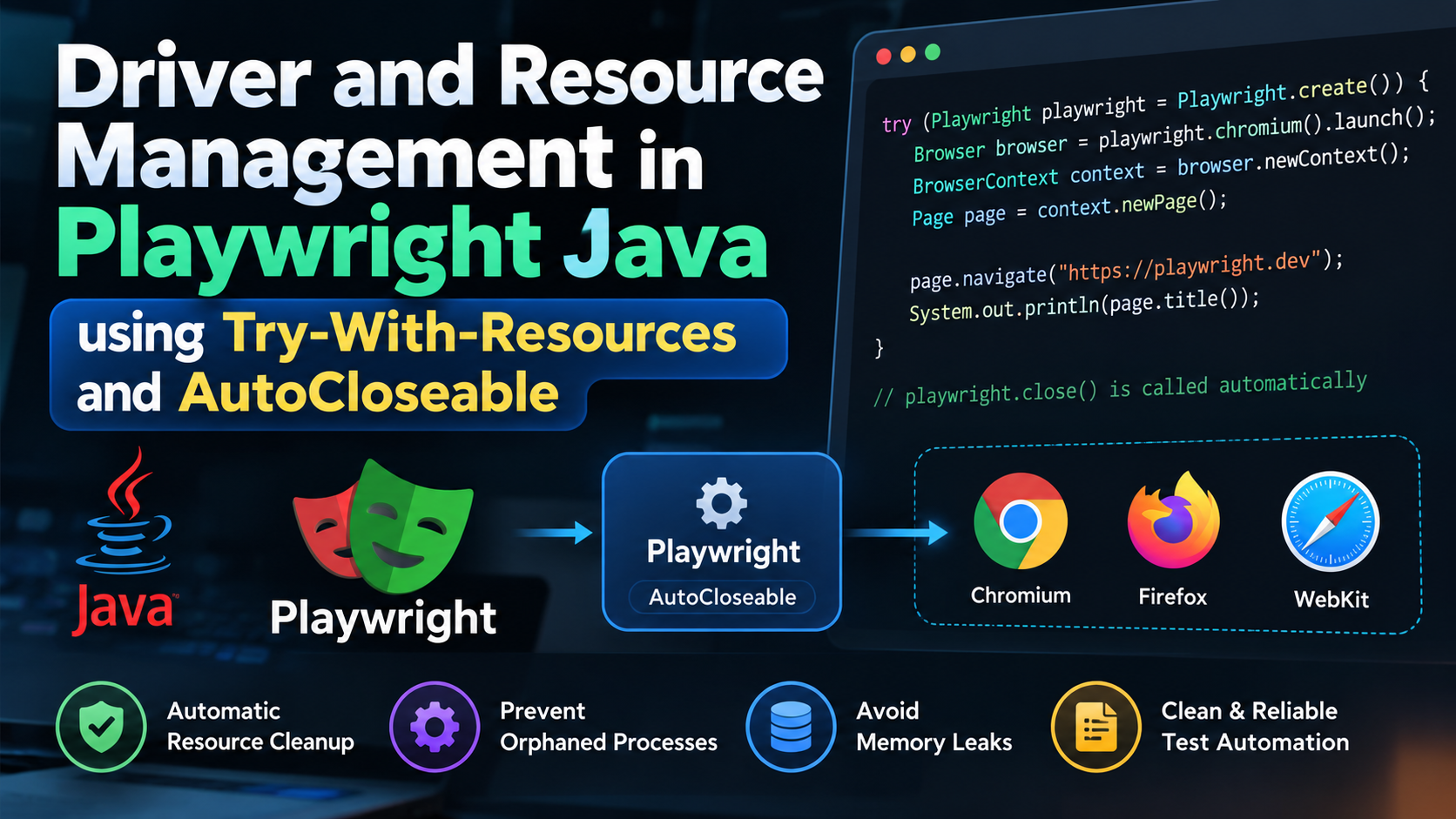
Controlling web browsers in test automation requires managing resource-heavy operating system processes, network sockets, and memory allocations. Developed by Microsoft, Playwright Java launches an underlying Node.js-based driver process that communicates with browser binaries including Chromium, Firefox, and WebKit.
To prevent these driver and browser instances from remaining as "zombie/orphaned processes" on the operating system and to eliminate memory leaks, Playwright Java bases its lifecycle management on Java’s AutoCloseable interface and the try-with-resources construct.
1. Playwright Java Architecture and the AutoCloseable Interface
In the Playwright Java library, the main entry point—the Playwright interface—implements java.lang.AutoCloseable .
When Playwright.create() is invoked:
- A new Playwright driver process is spawned on the host operating system, and the Java application connects to it.
- Browser instances are launched via browser engine objects (
chromium(),firefox(), orwebkit()). - Calling
Playwright.close()terminates all running browsers and kills the underlying driver process.
// Definition of the AutoCloseable interface
public interface AutoCloseable {
    void close() throws Exception;
}
If close() is not executed, even if Java's Garbage Collector reclaims the object reference, the native OS browser and driver processes remain running, creating a potential resource leak.
2. Traditional try-finally vs. Modern try-with-resources
The Pitfalls of the Traditional Approach
Prior to Java 7, manual resource cleanup required writing complex finally blocks to close the Playwright driver:
// ❌ Anti-Pattern: Manual try-finally Playwright Management
Playwright playwright = null;
Browser browser = null;
try {
    playwright = Playwright.create();
    browser = playwright.chromium().launch();
    Page page = browser.newPage();
    page.navigate("https://playwright.dev");
    System.out.println(page.title());
} catch (Exception e) {
    e.printStackTrace();
} finally {
    // Manual null checks and cleanup steps
    if (browser != null) {
        browser.close();
    }
    if (playwright != null) {
        playwright.close(); // Kills the driver process
    }
}
In this legacy pattern, if a developer forgets the finally block or if browser.close() throws an exception, execution never reaches playwright.close(), leaving the driver process orphaned.
The Modern Approach: Automatic Cleanup via Try-With-Resources
Introduced in Java 7, the try-with-resources statement guarantees that any class implementing AutoCloseable has its close() method invoked automatically when the block finishes:
// ✅ Recommended Pattern: Clean Code with Try-With-Resources
try (Playwright playwright = Playwright.create()) {
    Browser browser = playwright.chromium().launch();
    Page page = browser.newPage();
    page.navigate("https://playwright.dev");
    System.out.println(page.title());
}
// At block termination (normal or exceptional), playwright.close() is called automatically,
// safely terminating all browser driver processes!
3. Managing Multiple Resources & Reverse Closing Order (LIFO)
You can declare multiple resources—such as Playwright alongside an APIRequestContext or BrowserContext—within a single try-with-resources statement by separating them with semicolons.
import com.microsoft.playwright.*;

public class MultiResourcePlaywrightTest {
    public static void main(String[] args) {
        // Multiple resource declaration separated by semicolons
        try (Playwright playwright = Playwright.create();
             APIRequestContext apiRequest = playwright.request().newContext()) {

            // Execute API validation
            APIResponse response = apiRequest.get("[suspicious link removed]");
            System.out.println("API Status: " + response.status());

            // Execute UI automation
            Browser browser = playwright.chromium().launch();
            BrowserContext context = browser.newContext();
            Page page = context.newPage();
            page.navigate("https://example.com");

            context.close();
            browser.close();
        }
        // Closing Order (LIFO - Last In First Out):
        // 1. First, apiRequest.close() is executed.
        // 2. Finally, playwright.close() is executed, terminating the driver process.
    }
}
LIFO (Reverse Order Closing) Principle:
Resources declared inside the try-with-resources header are closed in the exact reverse order of their declaration (Last-In, First-Out). This principle ensures that root objects (like playwright) remain open until all dependent child resources are closed.
4. Suppressed Exceptions and Test Debugging
If an exception occurs during test execution and a second exception is thrown while closing the resource, traditional try-finally blocks would discard the primary exception.
When using try-with-resources in Playwright:
- The exception thrown inside the
tryblock is preserved as the primary exception. - Any exception thrown during the automatic
close()call is attached as a suppressed exception. - Suppressed exceptions can be inspected programmatically using
Throwable.getSuppressed().
try (Playwright playwright = Playwright.create()) {
    Page page = playwright.chromium().launch().newPage();
    // Intentionally triggering a timeout failure
    [suspicious link removed]("#non-existent-element", new Page.ClickOptions().setTimeout(1000));
} catch (Exception e) {
    System.err.println("Primary Test Failure: " + e.getMessage());

    // Inspecting secondary exceptions suppressed during teardown
    for (Throwable suppressed : e.getSuppressed()) {
        System.err.println("Suppressed Cleanup Exception: " + suppressed.getMessage());
    }
}
5. Java 9 "Effectively Final" Flexibility
With Java 9 (JEP 213), developers are no longer required to instantiate new variables inside the try(...) header. Previously declared final or effectively final references can be used directly:
// Java 9+ Effectively Final Pattern
Playwright playwright = Playwright.create(); // Effectively final object
APIRequestContext request = playwright.request().newContext();

try (playwright; request) {
    APIResponse response = request.get("https://playwright.dev");
    System.out.println("Status: " + response.status());
}
// Both playwright and request are closed automatically at block end!
6. Comparison with JUnit 5 / TestNG Lifecycle Hooks
While try-with-resources is ideal for executable main() scripts, enterprise test suites using JUnit 5 or TestNG manage browser lifecycles through @BeforeAll and @AfterAll annotations.
import [suspicious link removed].playwright.*;
import org.junit.jupiter.api.*;

public class PlaywrightJUnitTest {
    static Playwright playwright;
    static Browser browser;
    BrowserContext context;
    Page page;

    @BeforeAll
    static void launchBrowser() {
        // Initialized once for the entire test class
        playwright = Playwright.create();
        browser = playwright.chromium().launch();
    }

    @BeforeEach
    void createContextAndPage() {
        // Isolated context created for each test (Test Isolation)
        context = browser.newContext();
        page = context.newPage();
    }

    @Test
    void testPlaywrightTitle() {
        page.navigate("https://playwright.dev");
        Assertions.assertTrue(page.title().contains("Playwright"));
    }

    @AfterEach
    void closePage() {
        context.close(); // Cleans up cookies and storage per test
    }

    @AfterAll
    static void closeBrowser() {
        // Class-level teardown requires explicit close() invocations
        browser.close();
        playwright.close(); // Terminates driver process
    }
}
7. Summary & Best Practices
- Always Wrap Standalone Scripts in try-with-resources : Ensure
Playwright.create()is enclosed in atry(...)header to prevent orphaned Node.js driver processes on your system. - Respect LIFO Declaration Order: Declare dependent resources (like
APIRequestContextorBrowserContext) after the rootPlaywrightobject so they close in the correct sequence. - Enforce Test Isolation: Create a dedicated
BrowserContextfor each test case and close it upon test completion to maintain independent test states.